Microsoft PowerToys
2024-07-18 14:34![[personal profile]](https://www.dreamwidth.org/img/silk/identity/user.png) bga68comp
bga68comp Microsoft PowerToys
https://learn.microsoft.com/uk-ua/windows/powertoys/
Advanced Paste
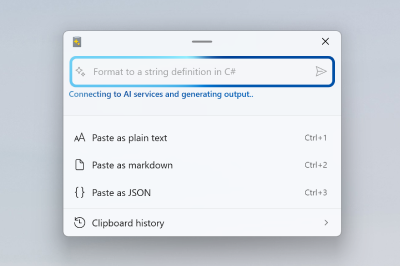
Advanced Paste is a tool that enables you to paste the text from your clipboard into any format needed. It can be enhanced with an AI-powered option that is 100% opt-in and requires an OpenAI key.
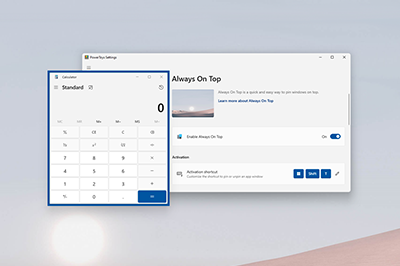
Always On Top
Color Picker
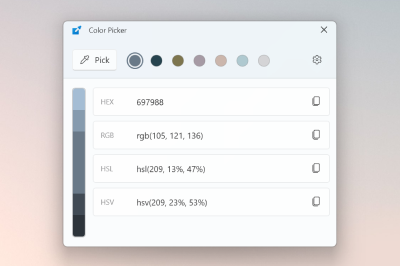
Color Picker is a system-wide color picking utility activated with ⊞ Win + Shift + C . Pick colors from anywhere on the screen, the picker automatically copies the color to your clipboard in a set format. Color Picker contains an editor that shows a history of previously picked colors, allows you to fine-tune the selected color and to copy different string representations. This code is based on Martin Chrzan's Color Picker.


Command Not Found
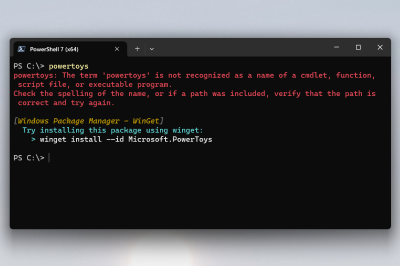
Command Not Found is a PowerShell 7 module that detects an error thrown by a command and suggests a relevant WinGet package to install, if available.
Image Resizer

Image Resizer is a Windows Shell extension for quickly resizing images. With a right click from File Explorer, instantly resize one or many images. This code is based on Brice Lambson's Image Resizer.
Quick Accent

Quick Accent is an alternative way to type accented characters, useful for when a keyboard doesn't support that specific character with a quick key combo.
For example: If you want "à", press and hold A and press Space .
Screen Ruler
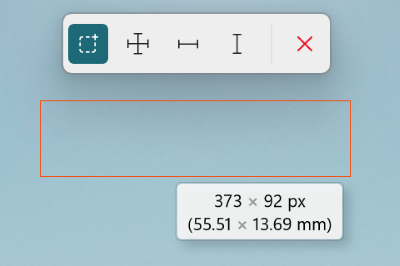
Use Screen Ruler to quickly measure pixels on your screen based with image edge detection. To activate, use the shortcut ⊞ Win + Shift + M . This was inspired by Pete Blois's Rooler.
Text Extractor
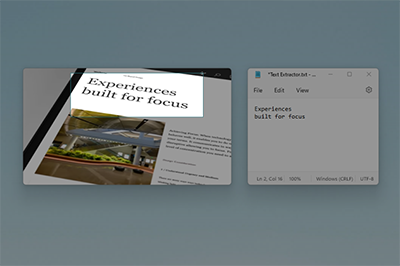
Text Extractor is a convenient way to copy text from anywhere on your screen. To activate, use the shortcut ⊞ Win + Shift + T . This code is based on Joe Finney's Text Grab.
Див. також:
→ Windows key shortcut guide
Keyboard shortcuts using the Windows key ⊞ Win can be used while the guide is displayed.
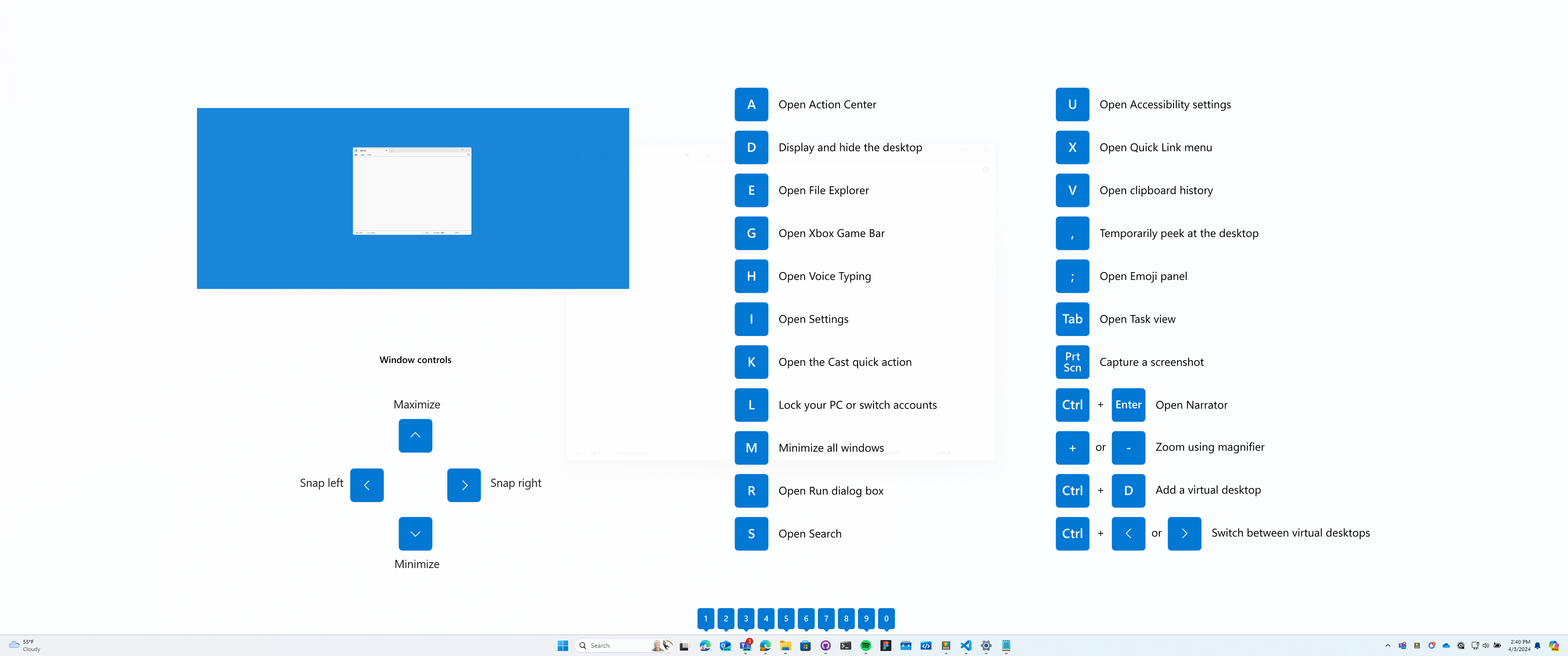
This utility is part of the Microsoft PowerToys utilities for power users.
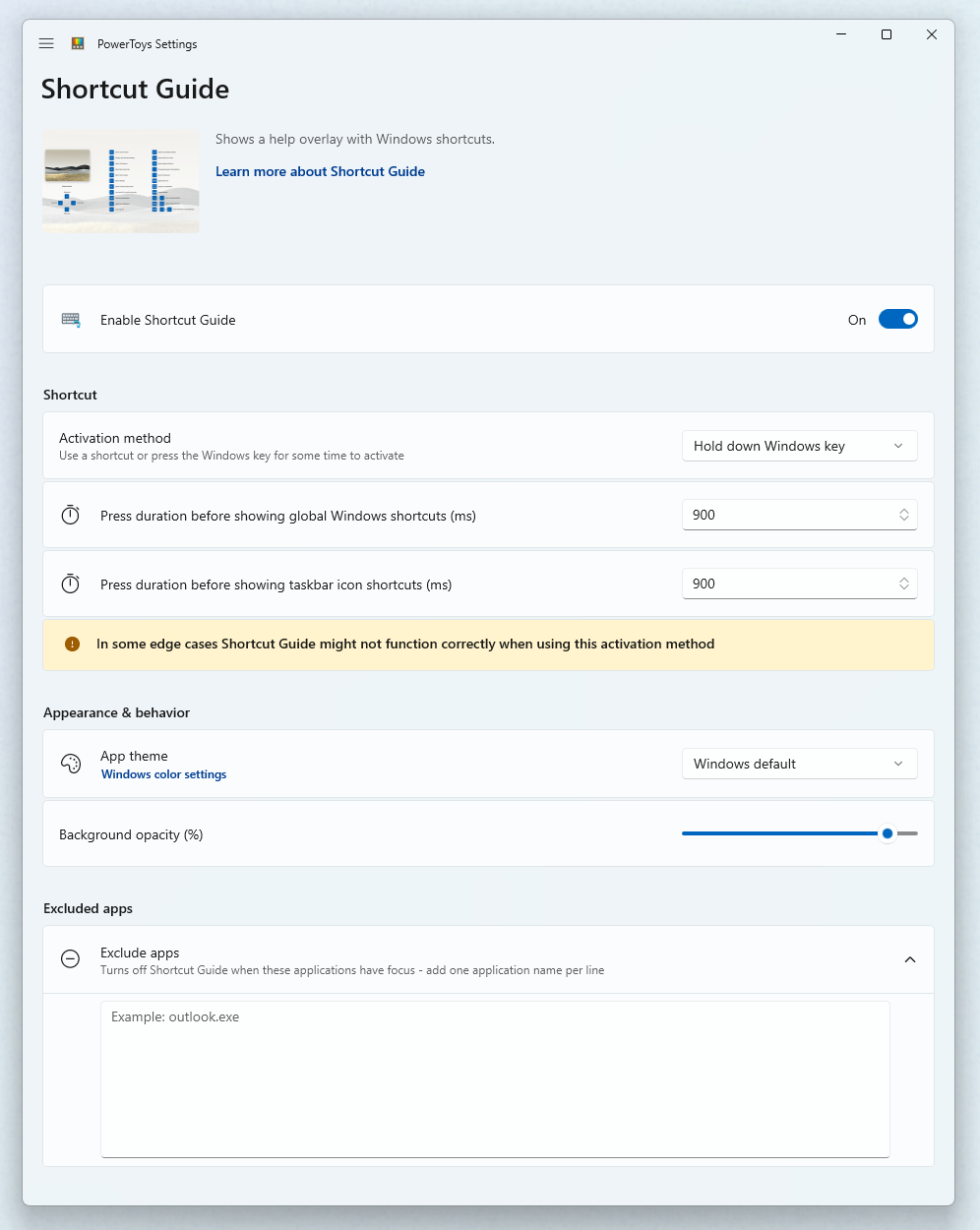
To install PowerToys, see Installing PowerToys.


